

QUICKBOOKS MADE SIMPLE
New to QuickBooks? Start Here.
QuickBooks is supposed to make managing your business finances easier. But figuring out where to start? That's another story.
Whether you're setting up QuickBooks for the first time or just trying to understand how everything works, I've created a beginner-friendly guide to help you get started with confidence.
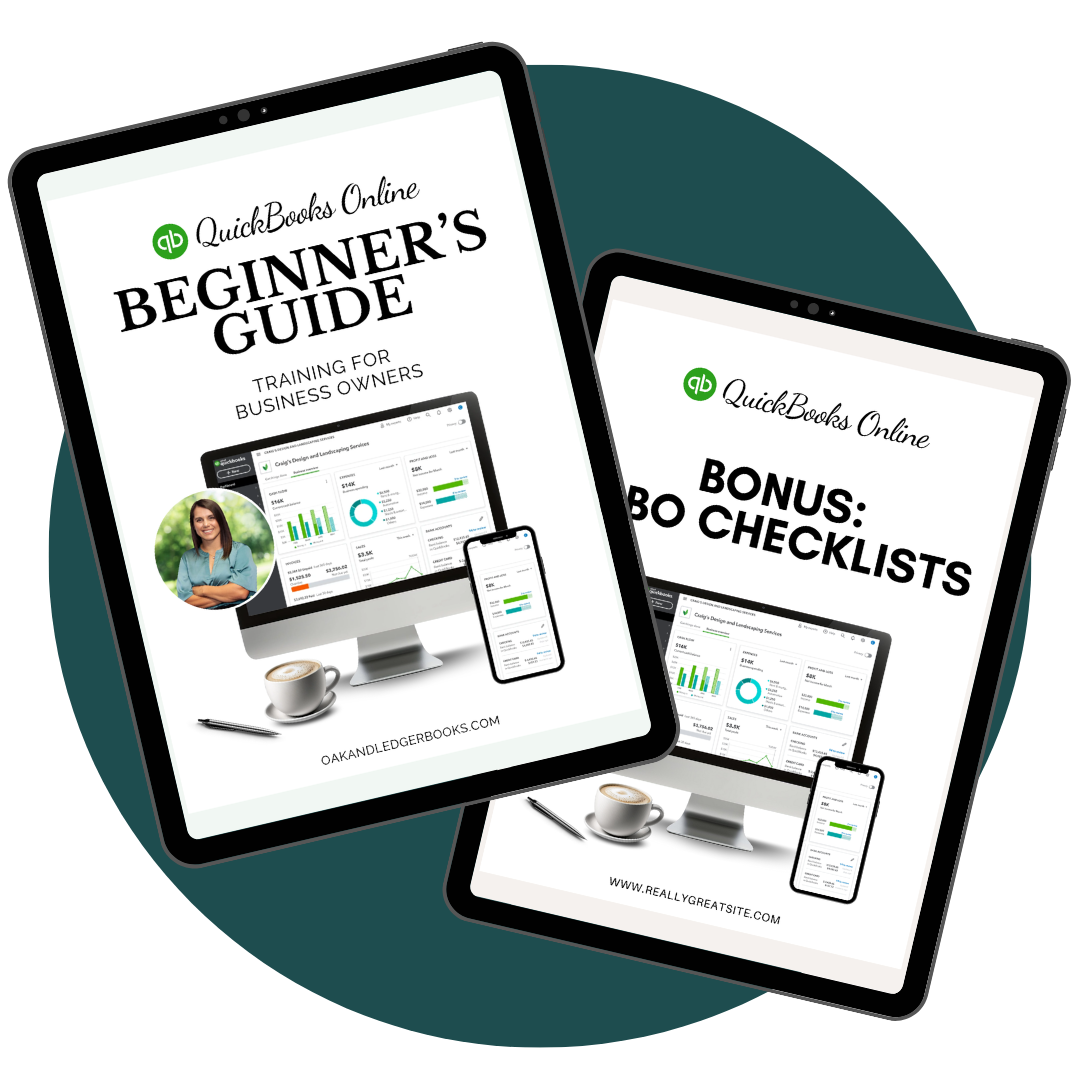
The QuickBooks Online Beginner’s Guide
Your step-by-step introduction to setting up and using QuickBooks Online. Includes helpful screenshots, bookkeeping checklists, and sample charts of accounts.
The QuickBooks Online Beginner’s Guide
Your step-by-step introduction to setting up and using QuickBooks Online. Includes helpful screenshots, bookkeeping checklists, and sample charts of accounts.
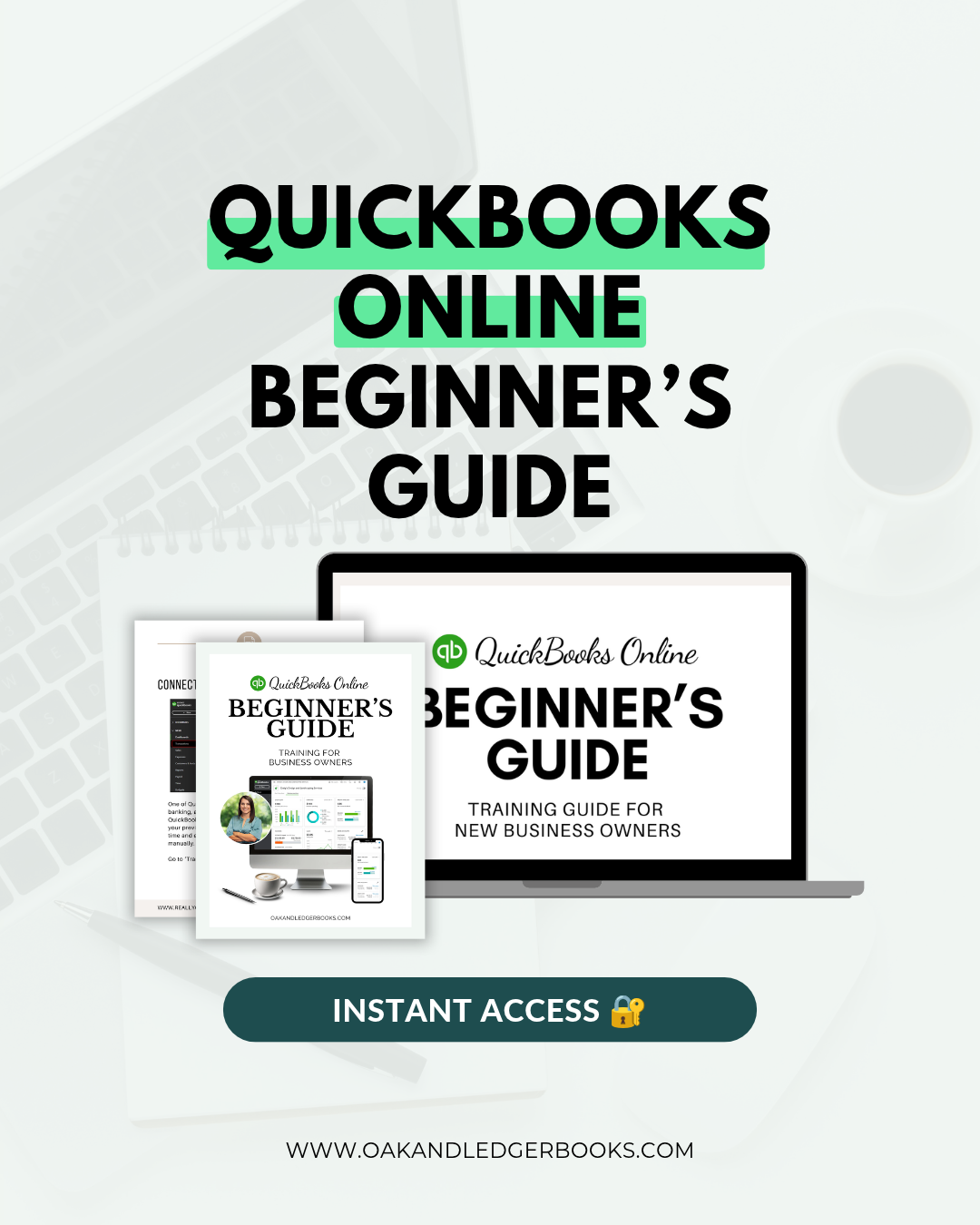
New to QuickBooks Online? Let's make it a little less overwhelming.
QuickBooks is supposed to make running your business easier, but figuring out where to start can feel like a full-time job.
That's why I created this beginner-friendly, step-by-step guide to help you get comfortable using QuickBooks Online and start managing your business finances with confidence.
Here's what you'll learn:
Set up your company information and Chart of Accounts
Connect your business bank accounts and credit cards
Set up products, services, and integrations
Create invoices and record customer payments
Enter bills and track payments
Categorize bank transactions
Reconcile your accounts
Run and review financial reports
PLUS, you'll get these bonuses:
Daily, weekly, and monthly bookkeeping checklists
QuickBooks keyboard shortcuts
Sample Charts of Accounts for 6 different industries
What's included: A 42-page downloadable PDF with step-by-step instructions, screenshots, and helpful bookkeeping resources.
No accounting degree required. Just a little guidance to get you started!
Instant Digital Download
This is a self-paced digital guide. QuickBooks software and personalized training are not included.
New to QuickBooks Online? Let's make it a little less overwhelming.
QuickBooks is supposed to make running your business easier, but figuring out where to start can feel like a full-time job.
That's why I created this beginner-friendly, step-by-step guide to help you get comfortable using QuickBooks Online and start managing your business finances with confidence.
Here's what you'll learn:
Set up your company information and Chart of Accounts
Connect your business bank accounts and credit cards
Set up products, services, and integrations
Create invoices and record customer payments
Enter bills and track payments
Categorize bank transactions
Reconcile your accounts
Run and review financial reports
PLUS, you'll get these bonuses:
Daily, weekly, and monthly bookkeeping checklists
QuickBooks keyboard shortcuts
Sample Charts of Accounts for 6 different industries
What's included: A 42-page downloadable PDF with step-by-step instructions, screenshots, and helpful bookkeeping resources.
No accounting degree required. Just a little guidance to get you started!
Instant Digital Download
This is a self-paced digital guide. QuickBooks software and personalized training are not included.
Instant PDF download • 42 pages • Bonus resources included
Instant PDF download • 42 pages • Bonus resources included
EVERYTHING YOU NEED TO GET STARTED
What's Inside the Guide?
From setting up your account to understanding your financial reports, this guide walks you through the QuickBooks essentials, one step at a time.
Get Set Up
Set up your company, Chart of Accounts, products, and services.
Connect Your Accounts
Link your business bank accounts, credit cards, and apps.
Manage Transactions
Create invoices, record payments, enter bills, and categorize expenses.
Reconcile Your Books
Learn how to reconcile your bank and credit card accounts.
Understand Your Reports
Find and review your Profit & Loss and Balance Sheet.
Bonus Resources
Bookkeeping checklists, keyboard shortcuts, and six sample Charts of Accounts.
Complete step-by-step guidance
New to QuickBooks Online? Let's make it a little less overwhelming.
QuickBooks is supposed to make running your business easier, but figuring out where to start can feel like a full-time job.
That's why I created this beginner-friendly, step-by-step guide to help you get comfortable using QuickBooks Online and start managing your business finances with confidence.
Here's what you'll learn:
Set up your company information and Chart of Accounts
Connect your business bank accounts and credit cards
Set up products, services, and integrations
Create invoices and record customer payments
Enter bills and track payments
Categorize bank transactions
Reconcile your accounts
Run and review financial reports
PLUS, you'll get these bonuses:
Daily, weekly, and monthly bookkeeping checklists
QuickBooks keyboard shortcuts
Sample Charts of Accounts for 6 different industries
What's included: A 42-page downloadable PDF with step-by-step instructions, screenshots, and helpful bookkeeping resources.
No accounting degree required. Just a little guidance to get you started!
Instant Digital Download
This is a self-paced digital guide. QuickBooks software and personalized training are not included.
SOUND FAMILIAR?
This Guide Is For You If...
You just signed up for QuickBooks and have no idea where to start.

You've been clicking around QBO hoping you'll eventually figure it out.
You want to manage your own books but need someone to show you the basics.
You're ready to stop guessing and feel more confident about what you're doing.

You don't need to become an accountant. You just need to understand the tools you're using to run your business.You just signed up for QuickBooks and have no idea where to start.
You've been clicking around QBO hoping you'll eventually figure it out.
You want to manage your own books but need someone to show you the basics.
You're ready to stop guessing and feel more confident about what you're doing.

PERSONALIZED QUICKBOOKS SUPPORT
Need a Little More Hands-On Help?
Whether you're setting up QuickBooks, troubleshooting an issue, or trying to make sense of your reports, personalized support can make all the difference. I offer limited QuickBooks training and consulting to help you get things sorted out.
New to QuickBooks Online? Let's make it a little less overwhelming.
QuickBooks is supposed to make running your business easier, but figuring out where to start can feel like a full-time job.
That's why I created this beginner-friendly, step-by-step guide to help you get comfortable using QuickBooks Online and start managing your business finances with confidence.
Here's what you'll learn:
Set up your company information and Chart of Accounts
Connect your business bank accounts and credit cards
Set up products, services, and integrations
Create invoices and record customer payments
Enter bills and track payments
Categorize bank transactions
Reconcile your accounts
Run and review financial reports
PLUS, you'll get these bonuses:
Daily, weekly, and monthly bookkeeping checklists
QuickBooks keyboard shortcuts
Sample Charts of Accounts for 6 different industries
What's included: A 42-page downloadable PDF with step-by-step instructions, screenshots, and helpful bookkeeping resources.
No accounting degree required. Just a little guidance to get you started!
Instant Digital Download
This is a self-paced digital guide. QuickBooks software and personalized training are not included.